Plant Problems? Check and Track Them with Hortola

A yellow leaf. A brown spot. A plant that suddenly looks different from the one you brought home.
When something changes, it’s tempting to try several fixes at once. But before you move the pot, add water, or reach for fertilizer, take a closer look.
Hortola helps you explore what might be happening and keep a record of what comes next. You can photograph your plant, review possible causes, ask follow-up questions, and return with updates as the situation develops.
Here’s how to use that process, with an illustrative example of a pothos that has developed leaf spots.
Start with what you can see
Before making changes, take a moment to observe your plant.
Where are the symptoms? Are they on one leaf or several? Have they appeared recently, or have they been developing for a while?
For our example, imagine that your pothos has a few spotted leaves. You also notice that the soil still feels wet. Those are useful observations to keep alongside the photo.
Make a note of anything that has changed recently, such as:
-
When you last watered the plant.
-
Whether you moved it to a new location.
-
Changes in light or room temperature.
-
Any recent repotting or feeding.
-
Whether other plants nearby look different, too.
You don’t need to know which details explain the problem yet. Start by recording what you know.
Photograph the plant clearly
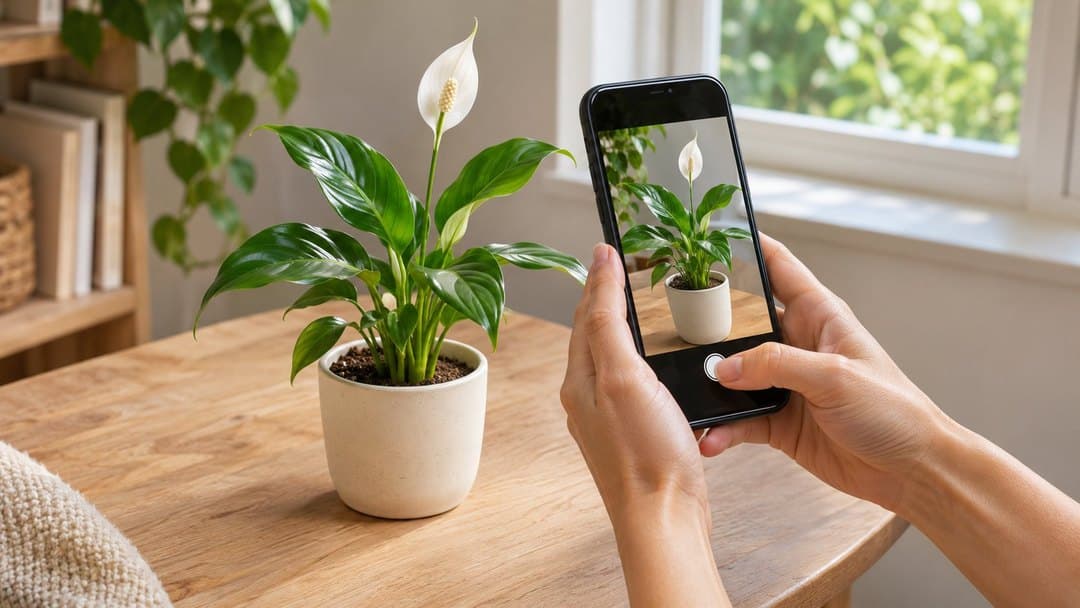
Use Hortola to photograph your plant and explore its health assessment.
Choose lighting that shows the leaves’ actual colors, keep the camera steady, and avoid filters. Make sure the affected area is visible and in focus.
It can also help to keep a separate photo of the whole plant for your own reference. A close-up captures a spot; a wider view shows where that leaf sits and how the rest of the plant looks.
These first photos give you a starting point to compare with later.
Review the possible causes
Hortola’s health check presents a likely issue, an alternative possibility, and a suggested plan.
Read both explanations before deciding what to do. Similar symptoms can have different causes, and an assessment from a photo may not capture everything happening around the roots or in the plant’s environment.
In our illustrative pothos example, the assessment might suggest bacterial leaf spot as a likely issue and overwatering as an alternative. That isn’t a confirmed diagnosis. It gives you possibilities to investigate alongside your observations.
The wet soil is relevant context, but it doesn’t settle the question on its own. Compare the assessment with the plant’s conditions and keep track of anything that doesn’t seem to fit.
Use the suggested plan to guide your next checks
Read the full plan before taking action. Look at what each step asks you to do and whether you understand how it applies to your plant.
If a recommendation is unclear, pause and ask a follow-up question. Understanding a step makes it easier to carry it out consistently and record what you did.
Avoid making several unrelated changes at once. If you change the location, watering, and feeding together, it becomes harder to understand what happened afterward.
For the pothos example, the next step is to clarify the assessment and the suggested actions, rather than treating both possible causes as confirmed.
Ask the Gardener for help interpreting the assessment
The Gardener is Hortola’s AI gardening assistant. You can use it to talk through a health assessment and add details that aren’t clear from a photo.
Useful questions are specific and include what you’ve observed. For example:
“My pothos has spots on a few leaves, and the soil still feels wet. What should I check before following the suggested plan?”
Or:
“What changes should I look for in my next photo update?”
The conversation can help you understand the guidance and organize your observations. It doesn’t remove the uncertainty of a photo-based assessment, so keep checking the advice against the plant in front of you.
Record what you do
Save the plant to your garden if you haven’t already, and use its journal to record the care you provide.
Keep entries simple and factual:
-
What you observed.
-
What you did.
-
When you did it.
For example: “Spots visible on three leaves. Soil still damp. Took photos before making any changes.”
If you later follow a suggested care step, add that too. A clear record is more useful than trying to remember the sequence a week later.
Return with a photo update
When you add a new photo, Hortola runs the health check again.
Try to photograph the same areas from a similar angle and in comparable lighting. This makes it easier for you to compare the images without confusing a change in lighting with a change in the plant.
Look beyond the original marks. Have new symptoms appeared? Are more leaves affected? What has changed elsewhere on the plant?
Follow the timing suggested in the plan when appropriate, and record significant changes if they happen sooner. A new assessment is another piece of information to consider alongside the photos and your journal.
Build a clearer picture over time
You may not get a definite answer from one photo. What you can build is a clearer record of your plant: how it looked, what you checked, which care steps you took, and what happened next.
That’s where Hortola’s health checks, Gardener, and journal work together. They give you a way to move from an initial concern to a more informed next step—and a place to return as your plant changes.
Open Hortola, check your plant, and start tracking its progress.