Meet Hortola: Identify Plants and Keep Their Care in One Place

A plant catches your eye, but you don’t know its name. A leaf starts turning yellow, and you’re unsure what changed. You bring home something green and wonder where it will grow best.
Hortola helps you take the next step. Photograph a plant to explore its identity, check its health, and keep its care together as it grows.
Whether you’re looking after your first houseplant or tending a garden, you can start with the plant in front of you.
Put a name to your plant
Knowing what you’re growing is a useful place to begin. A plant’s identity helps you understand the light, soil, and conditions it needs.
With Hortola, you can photograph a plant and explore its identification, including its common and scientific names. You’ll also find care information and details about toxicity to people and pets.
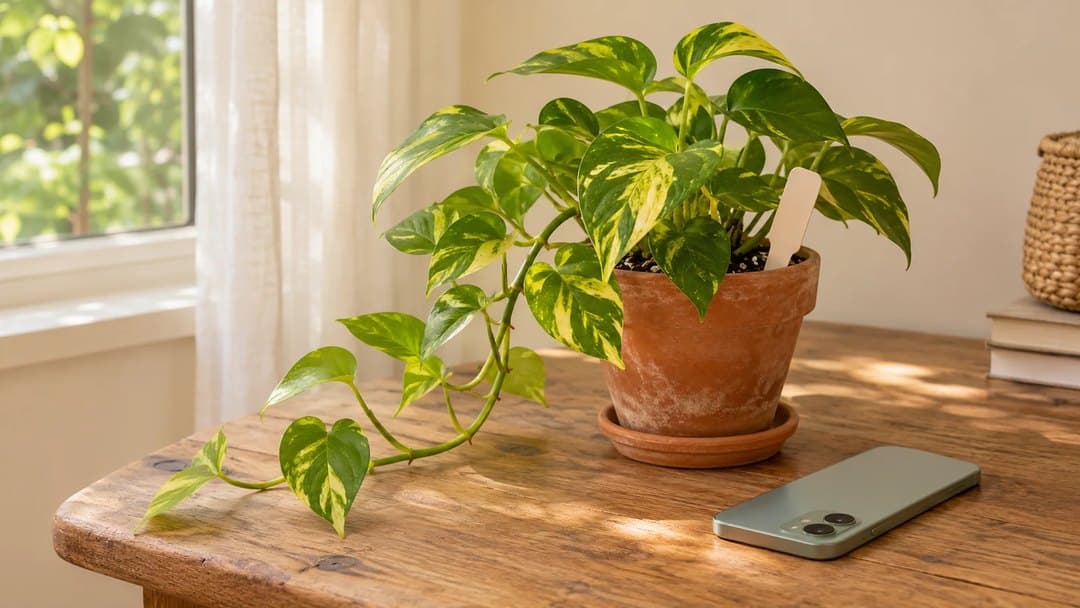
Perhaps the trailing plant on your shelf is a golden pothos. Once you have a likely identification, you can move from “What is it?” to “How do I take care of it?”
Identification from a photograph can be uncertain. If the result doesn’t seem right, take a clearer photo and compare the plant’s visible features before relying on it.
Understand what might be wrong
A change in your plant can be difficult to interpret. Similar-looking symptoms may have different causes, and a photograph alone won’t always explain the whole picture.
Hortola’s health check presents a likely issue, a second possibility, and a suggested plan to follow. It gives you a starting point for understanding what you’re seeing and deciding what to check next.
If your pothos develops spots, for example, you can explore the assessment alongside what you know about its watering, location, and recent changes.
Treat the result as guidance about possible causes. Your observations still matter.
Keep the plant and its care together
Once you’ve identified a plant, you can save it to your garden in Hortola.
Its information stays with it, giving you somewhere to return when you need to check its care. You can see tasks for the week and keep a journal of what you’ve done.
That becomes especially useful as your collection grows. Instead of trying to remember which plant you watered or when you last checked a problem leaf, you can build a record over time.
Adding a new photo runs the health check again, helping you follow changes and keep a visual history of your plant.
Choose plants for the space you have
Sometimes the first question is what to grow.
Hortola lets you describe a spot and explore three plant suggestions suited to the details you provide. You might be choosing for a shady area, looking for lower-maintenance options, or considering a home with pets.
The match percentages describe how closely each suggestion fits your preferences. They aren’t a guarantee of how well a plant will grow, but they can help you decide what to explore next.
Ask the Gardener
Some questions need a conversation.
The Gardener is Hortola’s AI gardening assistant. You can chat about a plant, a health assessment, or your whole garden, adding context and asking follow-up questions.
You might ask what to check first, how to interpret a care recommendation, or which details to observe before making a change. It’s another way to work through a question when you’re unsure where to begin.
Start with one photo
You don’t need to organize your whole garden at once.
Choose one plant. Take a photo, explore what Hortola finds, and save it to your garden. You’ll have a place to keep its information, record its care, and return as it grows.
Download Hortola for iPhone or Android and start with one photo.