What Is a Plant Identifier App? How It Works and Why Use One
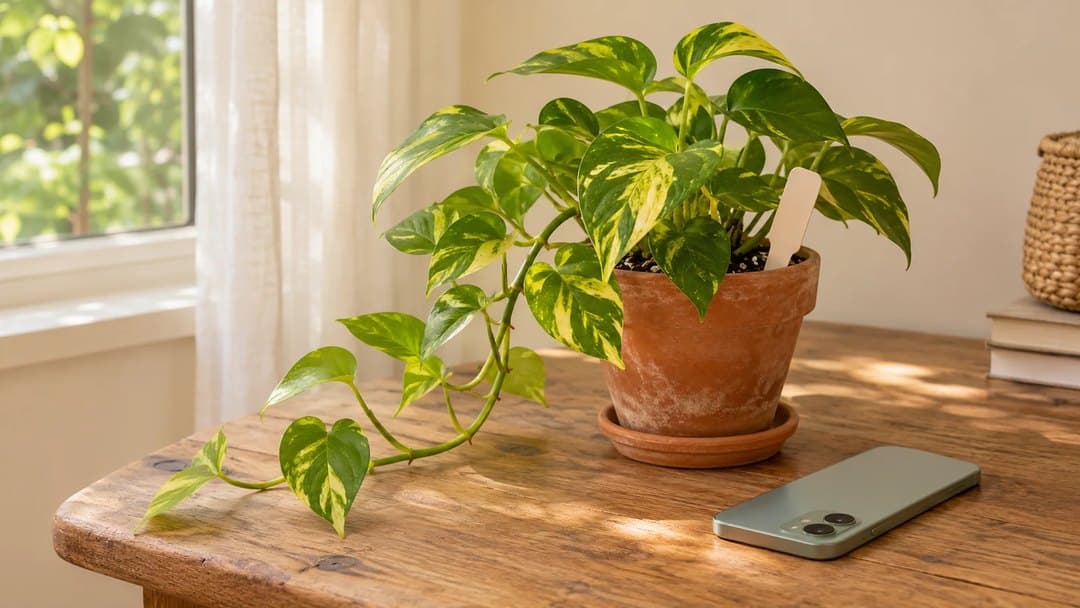
You receive a plant as a gift, but its label is missing. Before you can look up its care, you need a name. A plant identifier app analyzes a photo and suggests what the plant might be, giving you a starting point for learning about it.
That starting point can be useful whether you have one houseplant or a garden full of unfamiliar plants. The key is understanding what an identification tells you, what it doesn't, and how to use it to make your next search more specific.
What is a plant identifier app?
A plant identifier app is a mobile application that uses images to suggest a plant's identity. You photograph a plant or, in some apps, upload an existing image. The app then provides a suggested name or a list of possible matches.
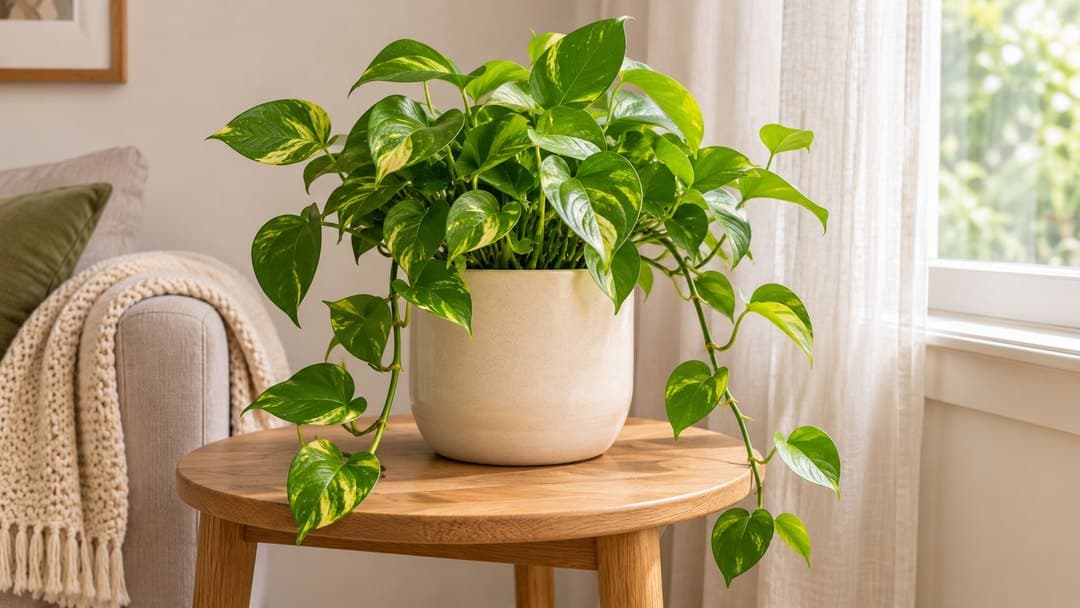
Results may include both a common name, such as golden pothos, and a scientific name, such as Epipremnum aureum. Common names can vary, while the scientific name helps you check which species a description refers to.
Features differ between apps. Some focus on identification and botanical observations. Others add care information, saved plant collections, or tools for exploring possible health problems. Finding a name and keeping track of a plant's care are related tasks, but they aren't the same function.
How do plant identification apps work?
Photo-based identification uses image recognition to analyze visible plant features and suggest a match. Those features may include leaf shape, flowers, stems, and the plant's overall appearance.
The process generally looks like this:
- You provide a photo showing the plant's features.
- The app analyzes the image and returns a suggested identification or possible matches.
- You compare the result with the plant and research anything that doesn't fit.
Some apps also use information about location or the parts of the plant shown. Iowa State University Extension explains these differences and emphasizes that the results are aids to identification.
What are the benefits of using a plant identifier app?
Give an unfamiliar plant a likely name
Describing a plant as “the trailing one with green leaves” may leave you with many possibilities. A suggested identification narrows your search and gives you specific features to compare.
For a plant received without a label, that can turn a vague question into a useful one: does its appearance match the species suggested? You don't need botanical vocabulary to begin, and you can learn that vocabulary as you investigate.
Find more relevant care information
Once you have checked a likely identity, you can search for guidance about that species instead of treating every plant in the room alike. Light, soil, and watering advice become easier to put in context.
If the plant appears to be golden pothos, for example, our pothos care guide gives you specific conditions to consider. Its recommendations still need to be compared with the actual light, pot, and soil in your home.
Identification doesn't tell you that a plant needs water today. It helps you find the information needed to assess its care more thoughtfully.
Learn what to look for
Checking a result encourages closer observation. You might notice how leaves attach to a stem, whether their edges are smooth, or how the plant grows. A name becomes a reason to look again.
Instead of accepting a result because one leaf looks similar, compare several characteristics. That habit can help you understand why two plants that seem alike may need different identifications.
Keep useful information connected to the plant
When an app lets you save plants, the identification can become the beginning of a record. You have somewhere to return to the name and associated information rather than repeating the same search later.
This is particularly useful when you have several plants. Check what the app actually saves: a list of past identifications and a plant record with care notes may offer different kinds of follow-up.
How reliable are plant identification apps?
A useful suggestion is not a confirmed identification. Results depend on the app, the plant, and the information visible in the photo.
A clear image gives you more to work with than a blurry leaf against a crowded background. Even a good photo may not show the features needed to distinguish similar species. There isn't one accuracy figure that applies to every app and every plant.
Iowa State University Extension recommends checking app results against reliable resources, including Extension publications, field guides, or local experts. It also notes that plants such as grasses and seedlings can be challenging to identify from images.
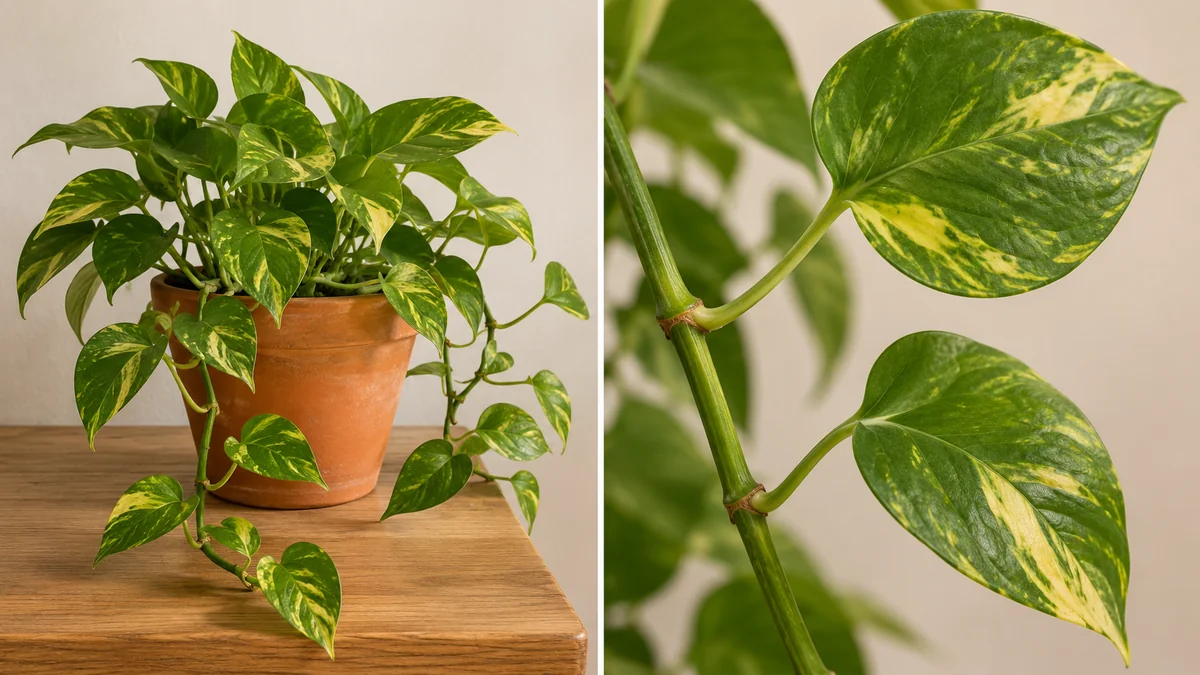
Compare several features, including leaf shape, markings, and how leaves grow along the stem. One similar-looking leaf doesn't confirm an identification.
| What you notice | Why it matters | What to do next |
|---|---|---|
| Several plants appear in the photo | It may be unclear which plant is the subject. | Take a clearer photo of one plant. |
| The leaves look similar, but the growth habit differs | One shared feature may not be enough. | Compare the stems, leaf arrangement, and overall plant. |
| A key feature isn't visible | The image may not distinguish similar plants. | Observe more features and use additional references. |
| The suggestion still doesn't fit | The identification remains uncertain. | Keep it tentative and ask a knowledgeable local expert. |
For example, if the app suggests a climbing plant but yours forms a compact rosette, investigate that difference before adopting the name. Another scan can help, but a repeated suggestion alone doesn't confirm it.
Don't use a photo-based identification alone to decide that a plant is edible or safe for people or pets. Those decisions require reliable confirmation.
Plant identification and plant care: what's the difference?
Identification asks, “What plant might this be?” Care information asks, “What conditions does this species need?” A health assessment asks a different question again: “What might explain this change?”
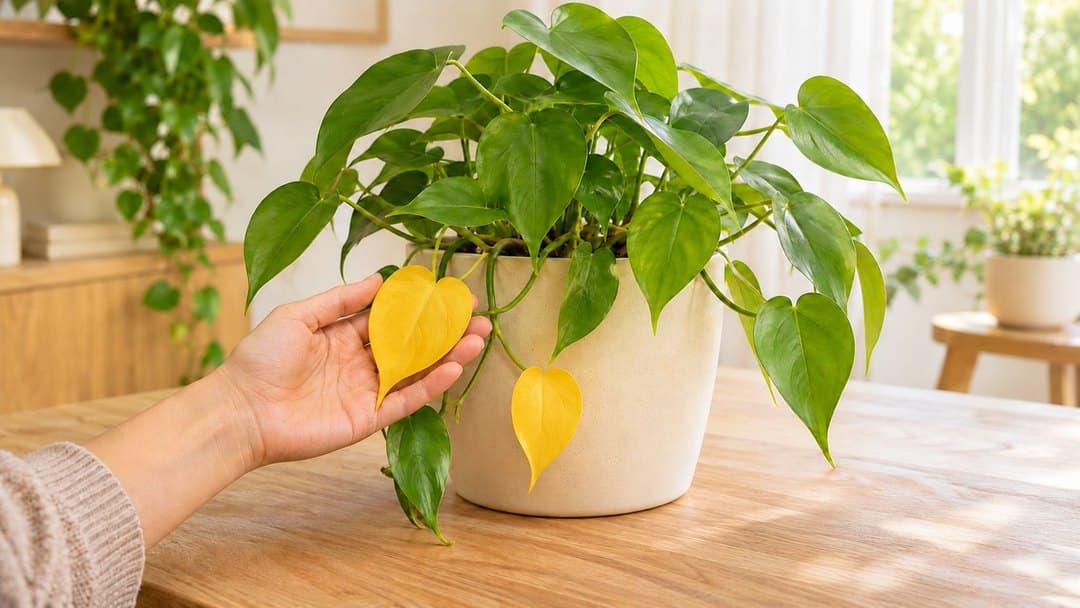
A plant can be correctly identified while the reason for a yellow leaf remains uncertain. Likewise, knowing its name doesn't reveal the moisture around its roots or every recent change in its environment.
Some apps combine these functions. Use each result for the question it addresses. If your concern is a visible problem, our guide explains how to explore and track possible plant problems with Hortola.
Where Hortola fits in
You can identify a plant with Hortola and explore a result that includes common and scientific names. Care information gives you somewhere to begin learning about its needs, and saving the plant keeps that information connected to a record you can return to.
Start by comparing the suggested identification with the plant in front of you. If it doesn't fit, take a clearer photo and keep the result tentative while you check.
When you're ready to try the process, follow our guide to add your first plant in Hortola. It covers taking a useful photo, reviewing the result, and saving your plant.
Frequently asked questions
Do plant identification apps work?
They can help narrow down an unknown plant and give you a name to investigate. Their usefulness depends on the plant, the photo, and the tool. Compare the suggestion with visible features and reliable references before treating it as confirmed.
Can a plant identifier app identify a plant from one leaf?
A leaf may provide useful clues, but it may not show enough to separate similar species. Observe the whole plant and other features, such as stems or flowers when available. Provide additional images if the app supports them.
Are plant identification apps free?
Some are free, while others offer subscriptions or paid features. A free download doesn't necessarily include unlimited identification or every tool. Check the current terms before choosing. Hortola is free to download on the App Store and Google Play.
Do all plant identification apps include care advice?
No. Features vary. If you want to go beyond finding a name, check whether an app provides care information and lets you save plants or record observations. Choose according to what you want to do after the identification.
Start with the plant beside you
An identification app gives you a practical way to begin learning about an unfamiliar plant. Take a clear photo, check the suggested identity, and use the name to explore more relevant information.